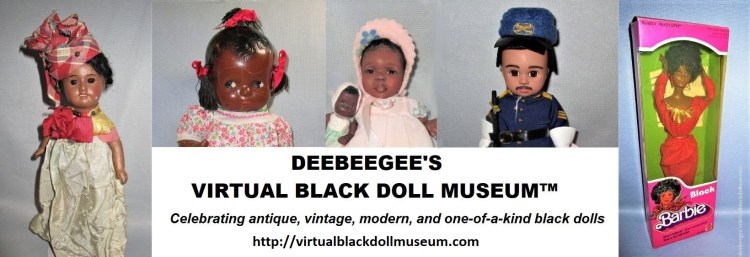
Use the museum’s Pinterest Board to Navigate to Categorized Installations
Click or tap the following links to navigate to categorized Pinterest boards. To view an installation, select a pin (image) and click or tap the “Visit site” link. The video below the categorized links illustrates how this is done.
Antique Black Dolls 1800s–1940
Modern Black Dolls 1961–present
Navigate to Installation Categories From Pinterest Using a Phone
When using a phone, the navigation steps to access a VBDM installation from Pinterest differ slightly from those on a computer. The phone steps are described in the following video:
Navigate to Installation Categories from the Museum Website
Click/tap the links to each category (below). Several installation preview pages will load for the selected category. View each preview (image and excerpt) before advancing to the next page, or click/tap a preview installation title or image to view the entire installation. Use the back arrow to return to the previous preview page. Each category has multiple preview pages. The Modern Black Dolls category has the most pages. The video below the categorized links illustrates how this is done.
Antique Black Dolls 1800s–1940
Modern Black Dolls 1961–present
Vintage Black Barbies 1967-1980
To Search
To search for specific installations, use the Search field in the footer of any page or post; type the doll’s name, the manufacturer, artist, or other keywords to load associated installations. The following video demonstrates the search box feature.

